

UI - UX Design
Strategic thinking meets visual craft
Good design is invisible. When a user moves through an interface without friction, without confusion, without hesitation — that is the result of hundreds of deliberate decisions made long before a single pixel was placed. My UI/UX work starts not with how something looks, but with how it works, who uses it, and what it needs to accomplish.
Every project begins with a discovery phase — conversations with stakeholders, review of analytics, and if possible, direct observation of real users. This research shapes everything: the information architecture, the interaction patterns, the visual hierarchy. Beauty and function are never treated as opposites. They are the same goal approached from different angles.
Designing for real people, not screens
A common mistake in digital design is optimizing for the happy path — the ideal user who knows exactly what they want and does exactly what you expect. Real users are distracted, uncertain, and interrupted. My process accounts for this. I map edge cases, design empty and error states, and test assumptions early so costly problems surface in Figma, not in production.
I work closely with developers throughout the process. Design handoff is not the end of my involvement — it is the beginning of a collaborative phase where intent is preserved and implementation quality is protected. The result is a product that feels as considered in the browser as it did in the mockup.
"User engagement and experience has become the primary competitive advantage for any digital product. The difference between a good interface and a great one is invisible to most — but felt by everyone."
From concept to component library
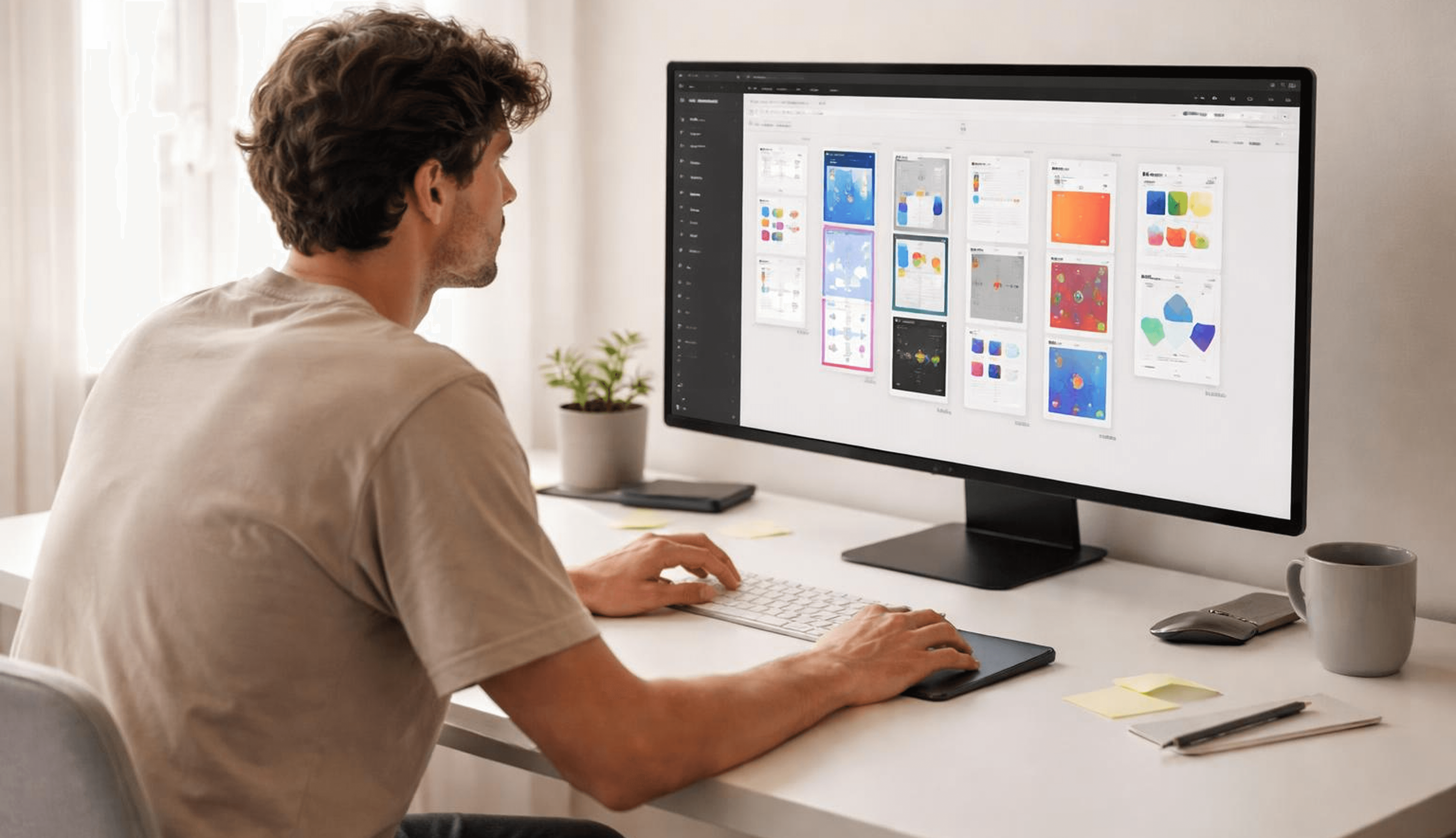
The final deliverable is not a set of static screens — it is a complete design system. Every component is built in Figma with variants, states, and auto-layout so the system scales gracefully as the product grows. Colour tokens, typography scales, spacing rules, and icon sets are all documented and ready for the development team to implement with confidence.


Let’s connect